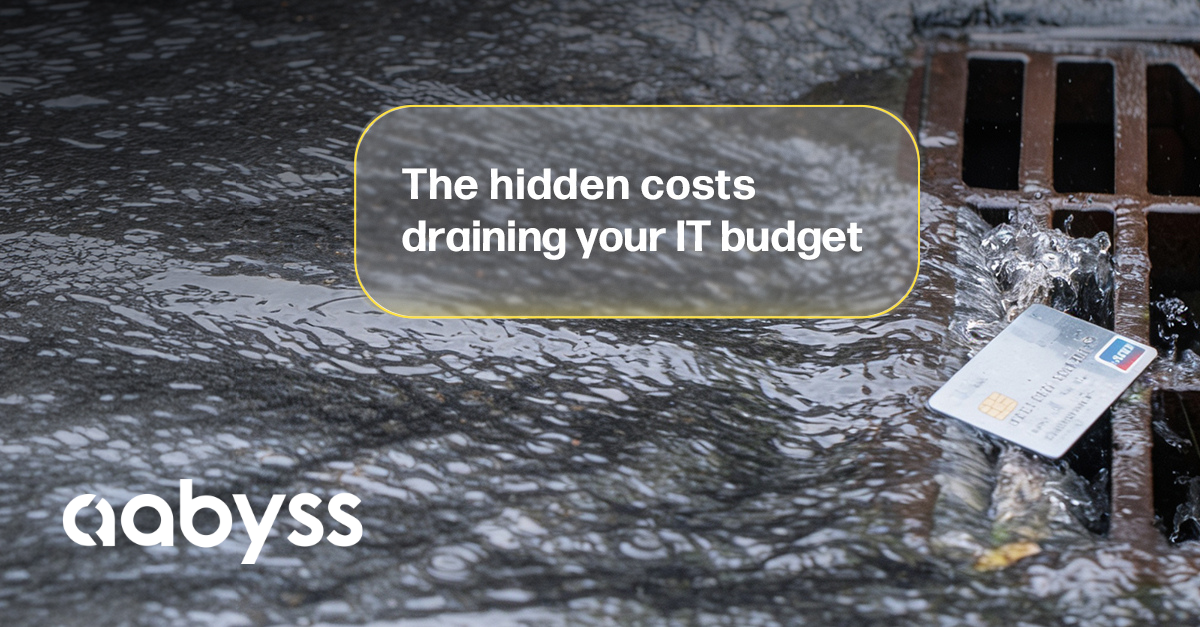
IT budgets rarely get blown by one enormous purchase. More often, money quietly disappears through software nobody uses, overlapping services, forgotten accounts and ageing technology that costs more to maintain every year. For Liverpool business leaders planning for the year ahead, reviewing these hidden costs can be just as valuable as deciding what new technology to invest in.
Think of it like finding money in the pocket of a coat you haven't worn for months. It was there all along. You just needed to look for it. Before carrying this year's IT budget into next year, take a closer look at where your money is actually going. You might be surprised by what you find.
IT Budgeting Is About Value, Not Simply Spending Less
There are two easy mistakes businesses can make with technology. The first is spending too much on things they don't need. The second is cutting costs so aggressively that employees end up with slow equipment, inadequate systems or technology that holds the business back.
Neither approach represents good value. Effective IT budgeting means spending the right amount in the right places to support the way your business operates. A good place to start is by looking for these five hidden costs.
1. Software Licences Nobody Is Using
Software subscriptions can quietly become one of the biggest sources of unnecessary IT spending. Employees leave. Business processes change. New applications replace old ones. Free trials become paid subscriptions and are forgotten.
Meanwhile, the monthly payments continue. A £10 or £20 monthly subscription might not attract much attention. Multiply that across numerous users, applications and 12 months, however, and those small amounts become significant. Before setting your next IT budget, review your recurring software costs. Ask:
- Are we still using every application?
- Does every user still need a licence?
- Are we paying for accounts belonging to former employees?
- Did any trials become paid subscriptions?
- Are there applications we could remove completely?
The objective isn't to cancel useful software. It's to make sure you're only paying for technology that's delivering value.
2. Different Tools Doing the Same Job
Businesses rarely set out to duplicate technology. It tends to happen gradually. One team starts using one application. Another department finds an alternative. Someone introduces a new platform that solves a particular problem.
Before long, the organisation can be paying for several applications offering similar capabilities. Video conferencing is a simple example. If most of the organisation already uses Microsoft Teams through Microsoft 365, paying for another business-wide video conferencing platform needs a clear justification. The same issue can occur with:
- Project management software
- File sharing platforms
- Password managers
- Creative applications
- Communication tools
- AI services
- Cloud storage
- Cyber security products
That doesn't mean similar tools are automatically duplicates. One department might genuinely require specialist functionality unavailable elsewhere.
That's why reviewing your technology shouldn't become a cost-cutting competition between departments. Talk to the people actually using the software. Understand why they need it. Then determine whether you're paying for genuine capability or unnecessary overlap.
3. Plans and Service Tiers That No Longer Fit
Sometimes the software is right, but the plan is wrong. Many cloud and Software as a Service platforms offer several subscription levels. As features are introduced, businesses can find themselves paying for premium capabilities they don't use.
The reverse can also happen. Your business may have outgrown a lower-level package, causing employees to work around limitations that could be solved by moving to a more appropriate plan. Review features such as:
- Storage allowances
- User numbers
- AI functionality
- Reporting
- Automation
- Integrations
- Security features
- Customisation
The question shouldn't simply be: "Can we get this cheaper?" A better question is: "Are we paying for the level of service our business actually needs?"
This is where right-sizing your technology can make a significant difference. Downgrade where functionality isn't required. Invest more where additional capabilities can genuinely improve productivity, security or operations.
4. Technology Left Behind by Former Employees
When someone leaves a business, their salary stops.
Their technology costs don't necessarily end there. Former employees can leave behind:
- Microsoft 365 licences
- Cloud application subscriptions
- Mobile contracts
- Storage accounts
- Software licences
- Devices
- Security products
- Business application accounts
Continuing to pay for these services unnecessarily affects your budget. There is also a more important issue. It's a security risk.
An unused account that still has access to company data or systems can create an unnecessary route into your business. Removing accounts, recovering devices, cancelling licences and revoking access should therefore form part of every employee offboarding process.
If you're not confident this consistently happens in your business, your budget review is an excellent opportunity to check.
5. Technology That Costs More to Maintain Than Replace
Old doesn't automatically mean bad. There are perfectly legitimate reasons businesses continue using older technology. A specialist piece of software might require certain hardware. A particular machine may still perform its job perfectly well. But there comes a point where maintaining ageing technology becomes a false economy.
Consider a laptop that regularly causes problems. Employees lose time waiting for it. Support tickets increase. IT spends more time investigating faults. Productivity suffers. Eventually, the money apparently saved by delaying replacement is outweighed by the cost of keeping the device running.
This applies beyond computers too. Servers, network equipment, software and other infrastructure can all reach a point where replacement makes better financial sense than continued maintenance. Your IT provider should help you identify that point before failure forces the decision.
Your IT Provider Should Help You Find These Costs
This is an important distinction for businesses reviewing their current IT provider. A good IT partner shouldn't only talk to you when something needs fixing, renewing or purchasing. They should be helping you understand where your technology budget goes. That includes identifying:
- Unnecessary subscriptions
- Duplicate services
- Unused licences
- Ageing equipment
- Upcoming renewals
- Technology approaching replacement
- Opportunities to consolidate services
The goal isn't to strip costs out of the business indiscriminately. It's to make sure technology spending is intentional. If removing something creates additional security risk or damages productivity, saving money isn't necessarily the right decision.
If you're paying for something that nobody needs, however, there is little reason for it to remain on next year's budget.
Don't Just Copy This Year's IT Budget
One of the easiest approaches to budgeting is taking last year's figures, making a few adjustments and carrying them forward. With technology, that's potentially an expensive habit. Your business has changed. Your team may have grown. Your software requirements may have changed. New services may have been introduced. Old technology may be approaching replacement. And subscriptions you approved 12 months ago may no longer be necessary. Your IT budget should reflect the business you're planning to run next year, not simply the one you ran last year.
Spend Smarter, Not Simply Less
Finding unnecessary IT costs doesn't mean your overall technology budget has to decrease. You may discover £5,000 of unnecessary annual software and licensing expenditure, for example, but decide that money would deliver far greater value invested in replacing ageing laptops, improving cyber security or strengthening backup and recovery. That's the real opportunity. Better IT budgeting isn't about spending as little as possible. It's about getting more business value from the money you're already prepared to spend. Cut waste. Prioritise what matters. Plan for upcoming costs. And make sure every significant technology expense has a clear purpose.
Ready to Take a Closer Look at Your IT Budget?
If you're a Liverpool business leader questioning whether your current IT setup or IT provider is giving you the support, visibility and planning your business needs, let's have a straightforward conversation. There's no obligation and no hard sell. Just an opportunity to discuss where you are today, where you want to go and whether your IT budget is being used as effectively as it could be.
📞 0151 733 3223
📧 hello@aabyss.uk
🌐 aabyss.uk
Use the meeting scheduler on this page to book a quick, no-obligation discovery call.
You may discover that your IT budget doesn't need to be bigger. It simply needs to work harder.

 Aaron Hayes.

 Aaron Hayes. : Nov 5, 2026, 2:14:58 PM

